glomax8k on Windows:
Get IPTV Smarters for your computer via: https://www.iptvsmarters.com/download?download=windows
glomax8k on Mac:
Get IPTV Smarters for your computer via: https://www.iptvsmarters.com/download?download=mac

Setting Up glomax8k on Fire TV Stick
1: On the Fire TV home screen, move to Find.
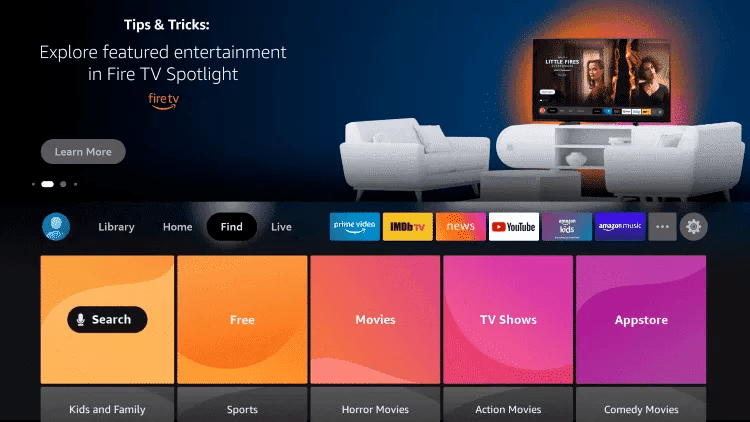
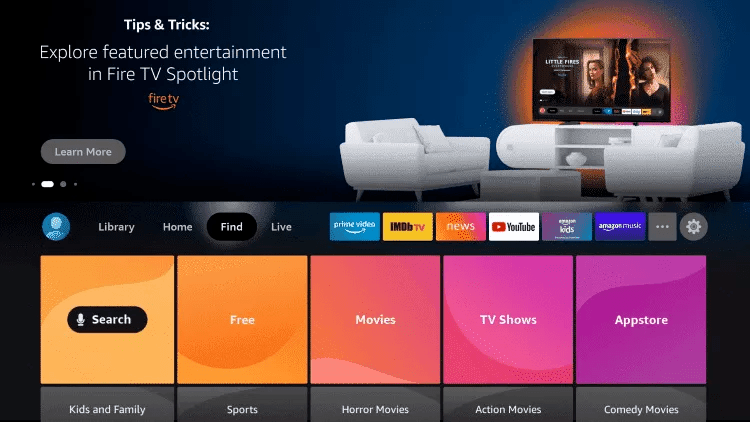
2. Click Search.
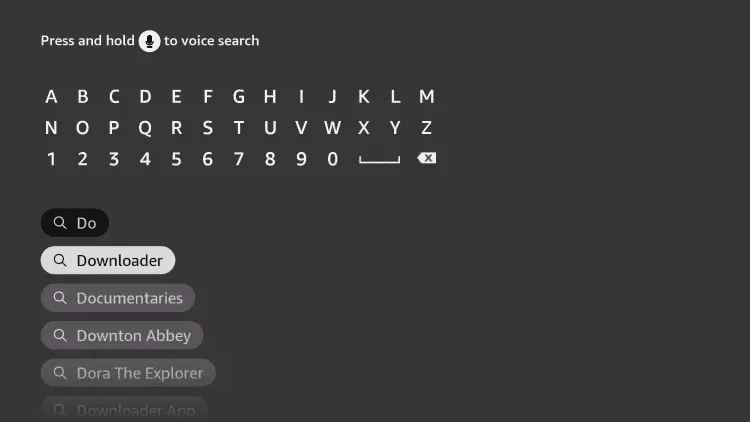
3. Search Downloader and select it.
4. Open the Downloader listing.
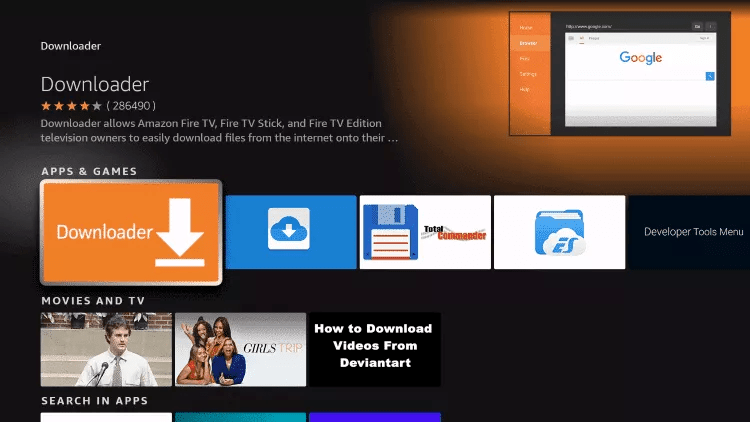
5. Click Download.
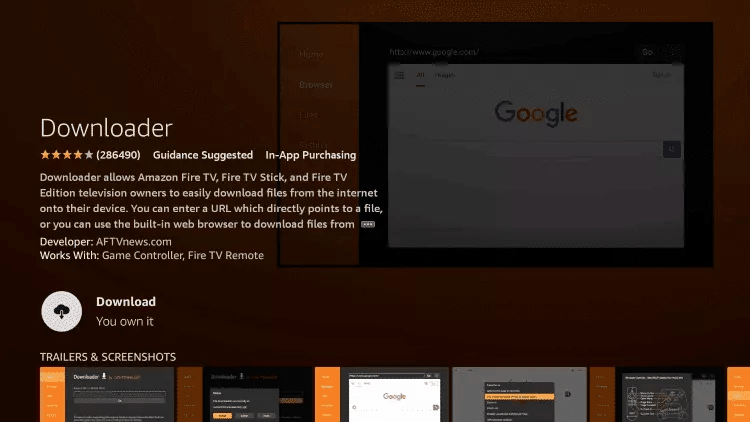
6. After installing, click Open.
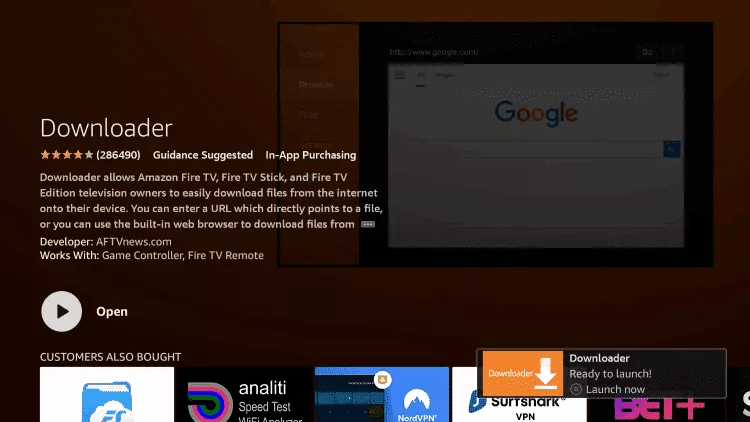
7. Return to home and select Settings.
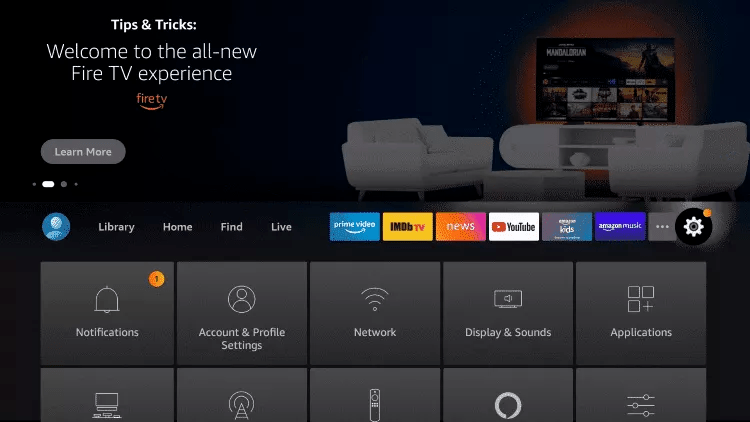
8. Pick My Fire TV.

9. Go into Developer options.
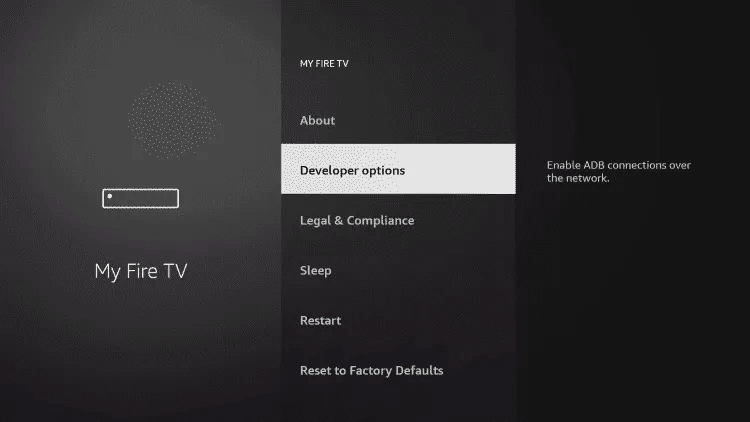
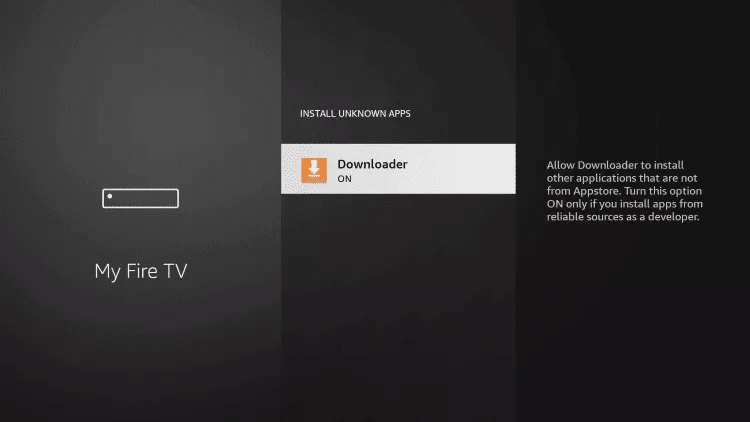
10. Choose Install unknown apps.

11. Select Downloader and click it.

12. Unknown Sources is switched On for the Downloader app. Your Fire TV can now install outside apps.
13. Start the Downloader app.
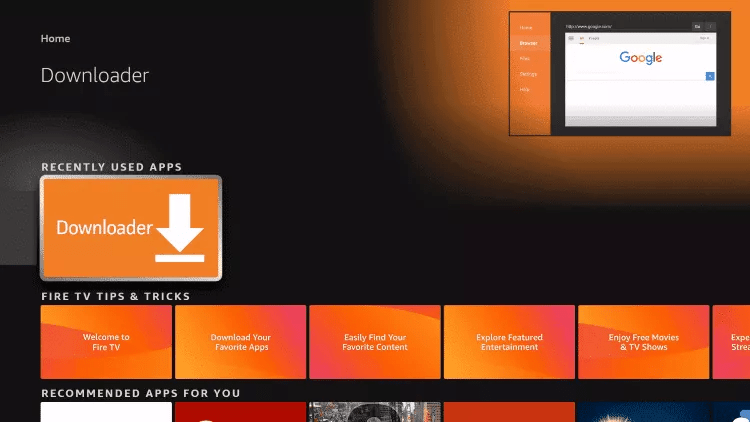
14. Press Allow.

15. Select OK.

16. Type this address precisely: https://www.iptvsmarters.com/smarters.apk
and click Go.

17. Wait while it downloads.

18. Click Install.
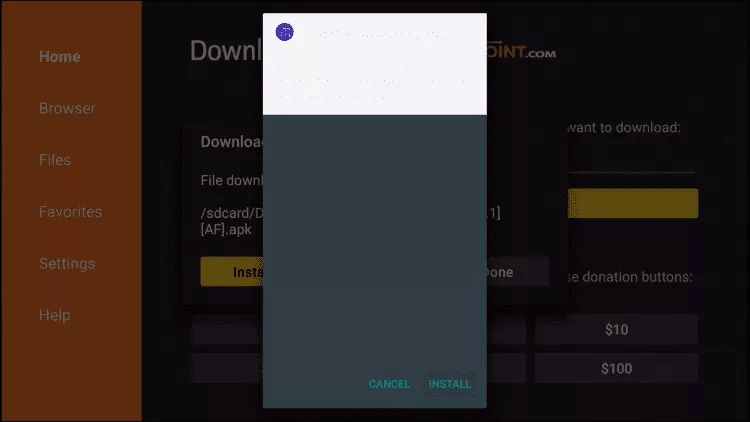
19. Click Done.
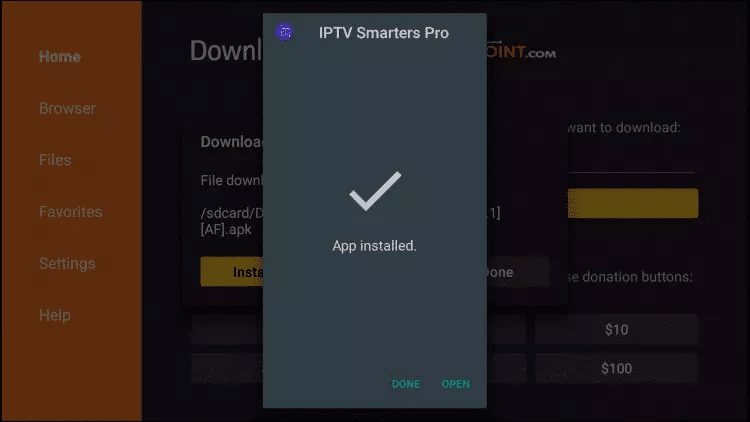
20. Open IPTV Smarters, then pick Login with Xtream Codes api.
21. Enter the glomax8k login we sent by WhatsApp, email or chat.
FOR TIVIMATE
1. Type this address precisely: https://tivimates.com/tiviapk
and click Go.

2. Wait while it downloads.
Let the download finish
3. Click Install and once the installation completes, open the app.
4. Click “Add Playlist” then choose “Xtream codes“
5. Enter the glomax8k login we sent by WhatsApp, email or chat.
glomax8k on TIVIMATE
1. Type this address precisely: https://tivimates.com/tiviapk
and click Go.
2. Wait while it downloads.
Let the download finish
3. Click Install and once the installation completes, open the app.
4. Click “Add Playlist” then choose “Xtream codes“
5. Enter the glomax8k login we sent by WhatsApp, email or chat.
Setting Up glomax8k on Android with IPTV Smarters Player
Step 1: Start by downloading IPTV Smarters app through this URL : https://www.iptvsmarters.com/smarters.apk
Step 2: Open the downloaded app and type in your login details.

Step 3: Enter the glomax8k login you received after ordering
Tap “ADD USER” to proceed.
Step 4: Wait briefly.
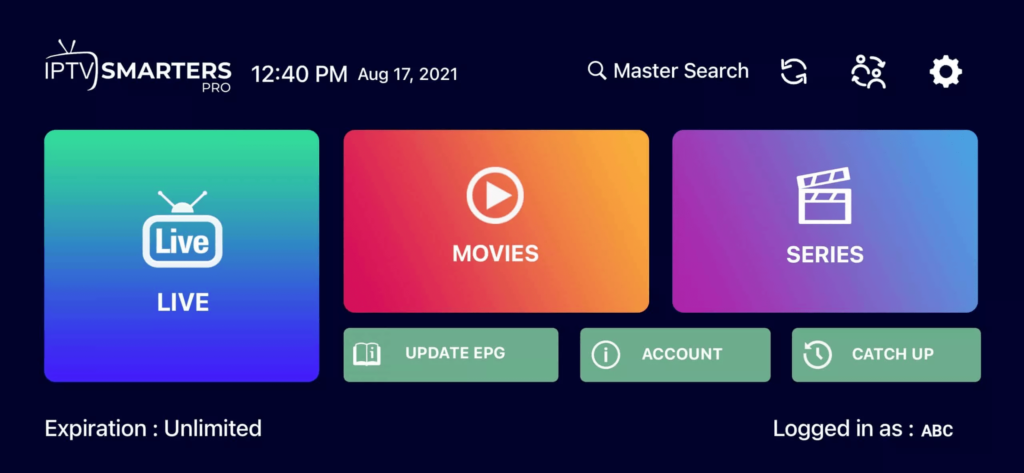
Step 5: Now click on “Live TV” icon, indicated in the image by a red arrow.
Step 6: Now you must choose the channel group to watch.
Step 7: Now you must choose a channel, then double click on the small screen to turn into full screen as the final step.
Done
Setting Up glomax8k on iPhone and iPad with IPTV Smarters Player
Step 1: Start by downloading IPTV Smarters app from the Apple Store through this URL :
https://apps.apple.com/in/app/smarters-player-lite/id1628995509
or search for it in the App Store
and install it on your iPhone or iPad.
Step 2: Open the downloaded app and type in your login details.
Step 3: Enter the glomax8k login you received after ordering
Tap “ADD USER” to proceed.
Step 4: Wait briefly.
Step 5: Now click on “Live TV” icon, indicated in the image by a red arrow.
Step 6: Now you must choose the channel group to watch.
Step 7: Now you must choose a channel, then double click on the small screen to turn into full screen as the final step.
Step 8: No EPG URL is required; just tap “Install EPG” .
Done
Step 1: You can download SetIPTV / NetIPTV / Smart IPTV from your TV store on Samsung, LG …
Step 2: Once installed, open the app to see your MAC address on the screen
EX :

Step 3: Send the MAC address to us via WhatsApp, email or live chat
Step 4: After a few minutes, restart the TV and open the app again
Done – glomax8k is ready on your Smart TV.
Step 1: Send us the MAC Address of your MAG via WhatsApp, email or live chat
Step 2: After making the payment, we will send you your glomax8k portal link